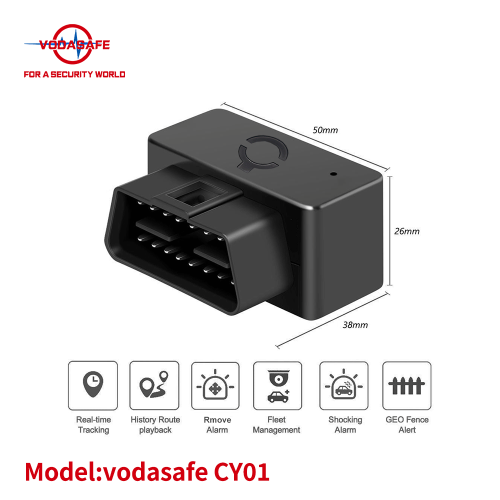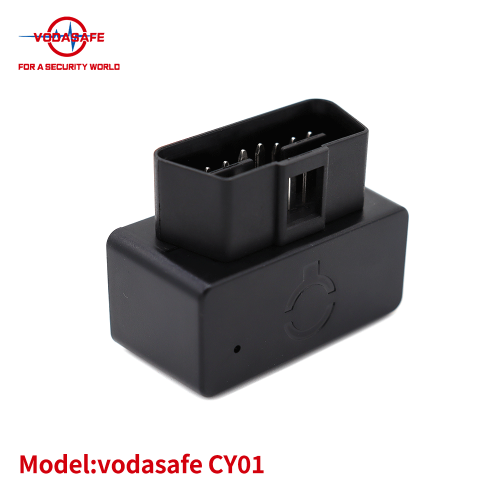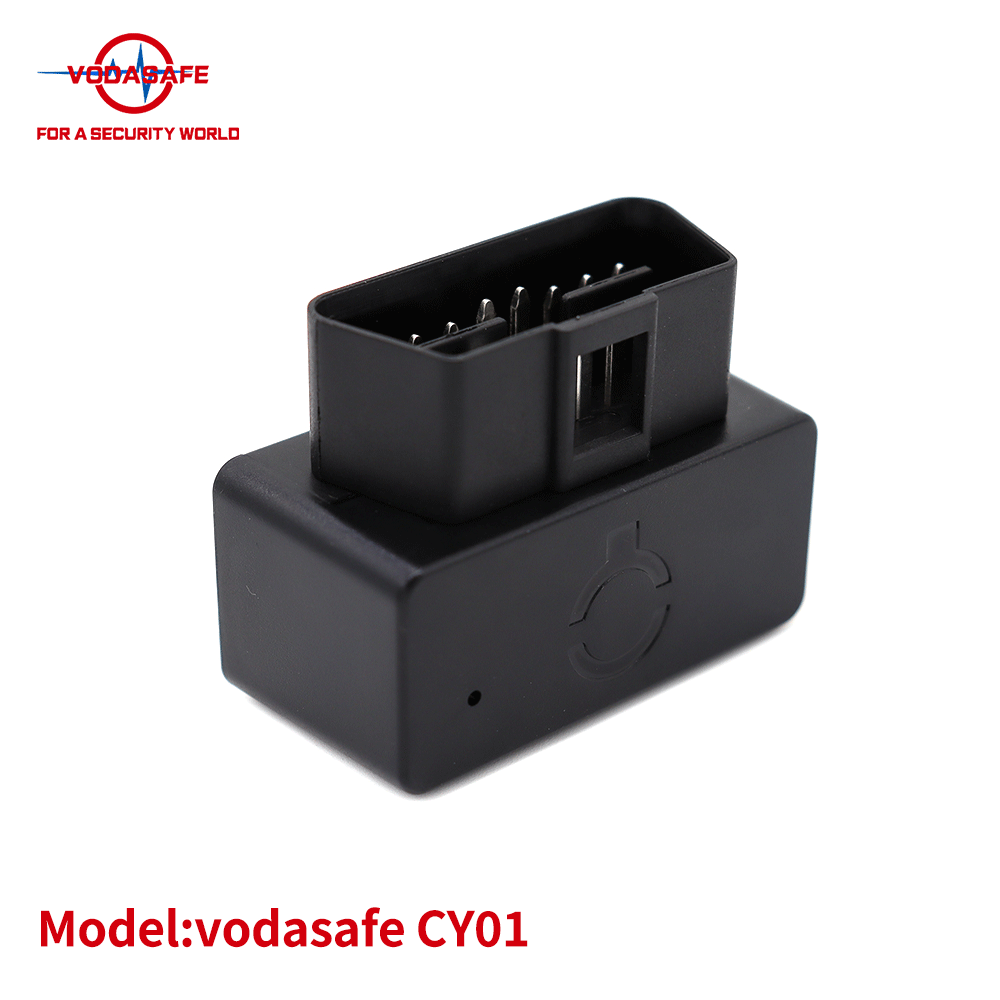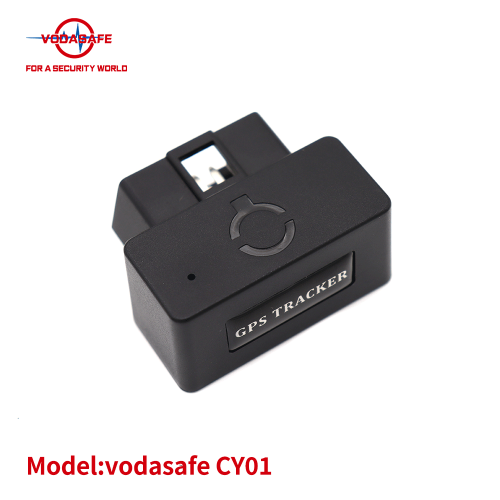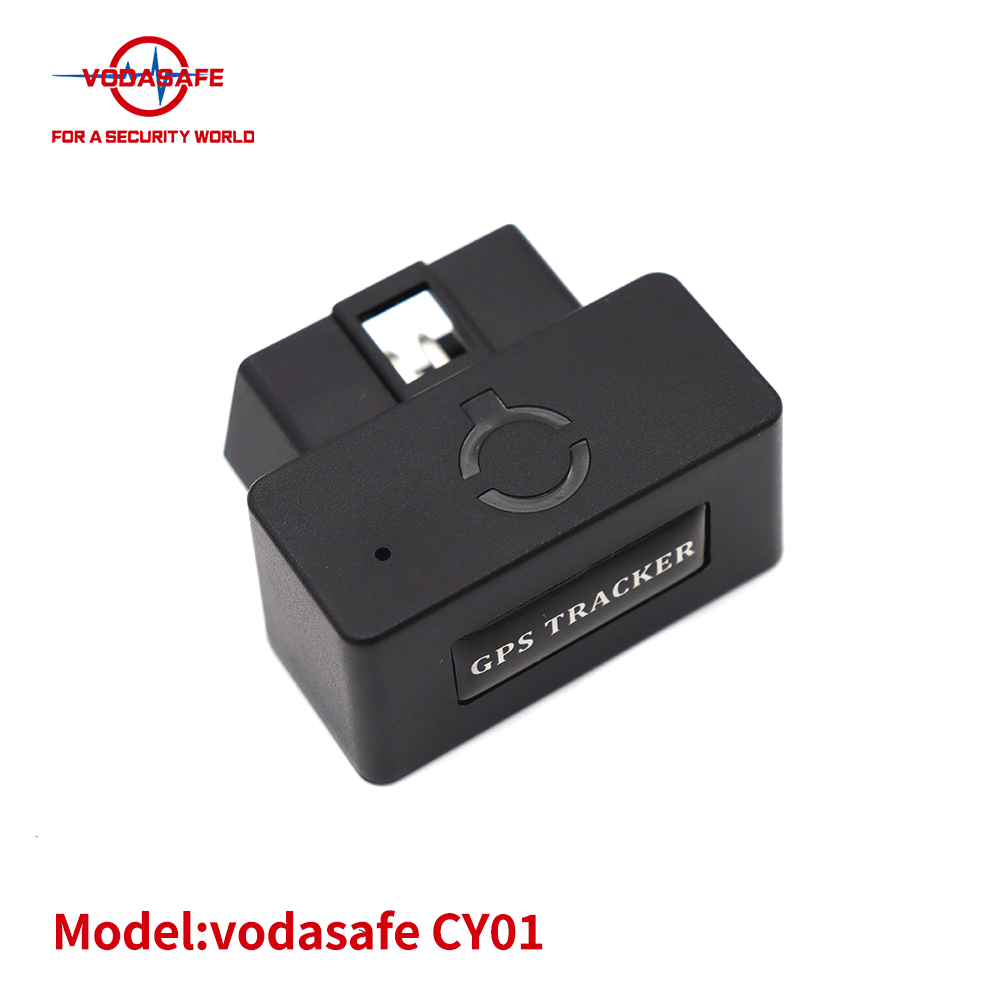

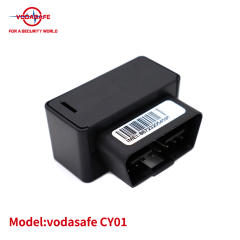
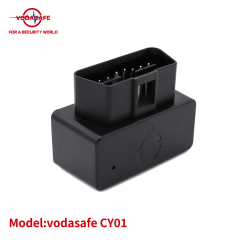
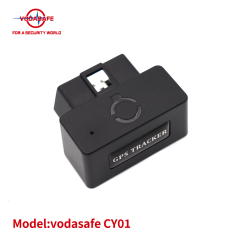
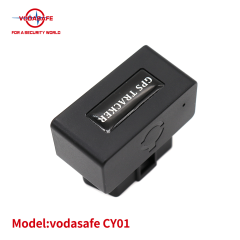
Main Features
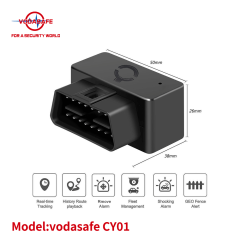
Real - time Tracking: Enables real - time tracking via SMS or a platform, allowing users to keep a close eye on the target's location at any time.
Accurate Positioning: Combines GPS, LBS, and AGPS positioning technologies to ensure high - precision location determination, even in challenging environments.
Remote Listening Function: Equipped with a built - in microphone, it supports remote listening, providing an additional layer of security and monitoring capability.
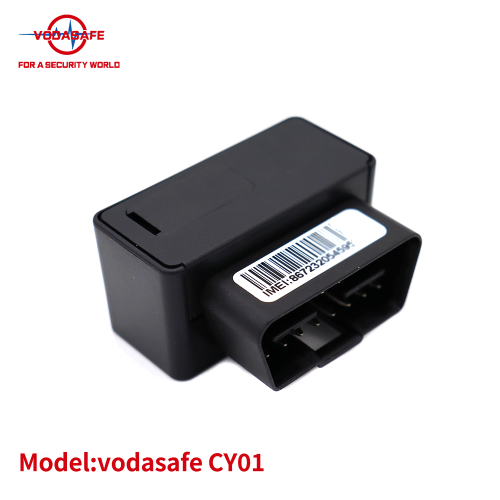
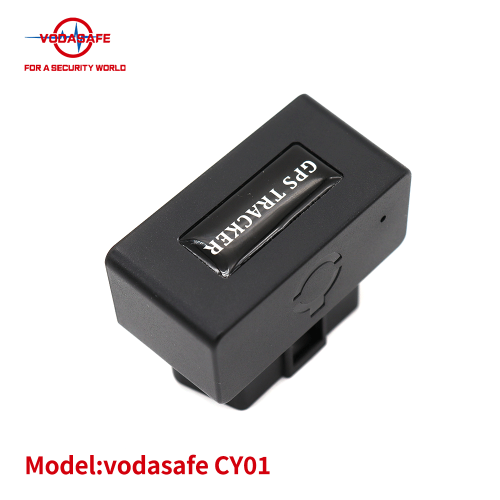
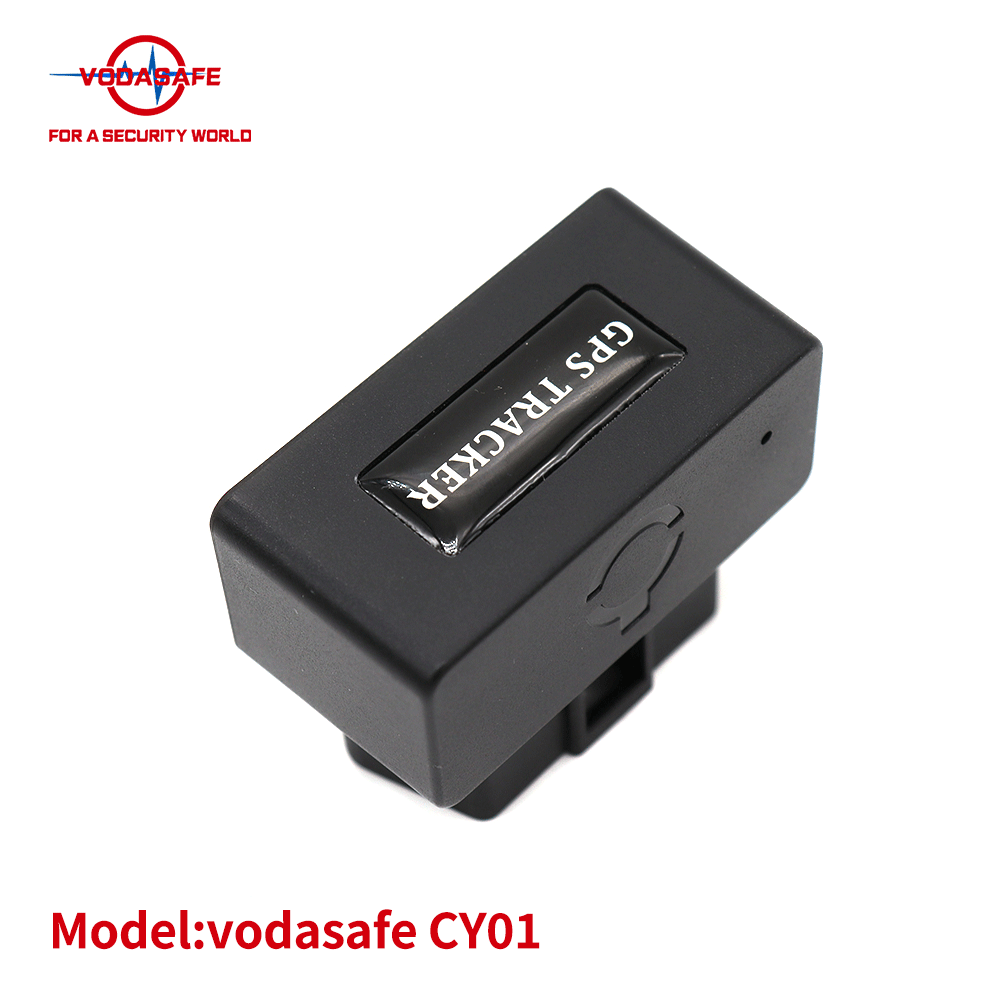
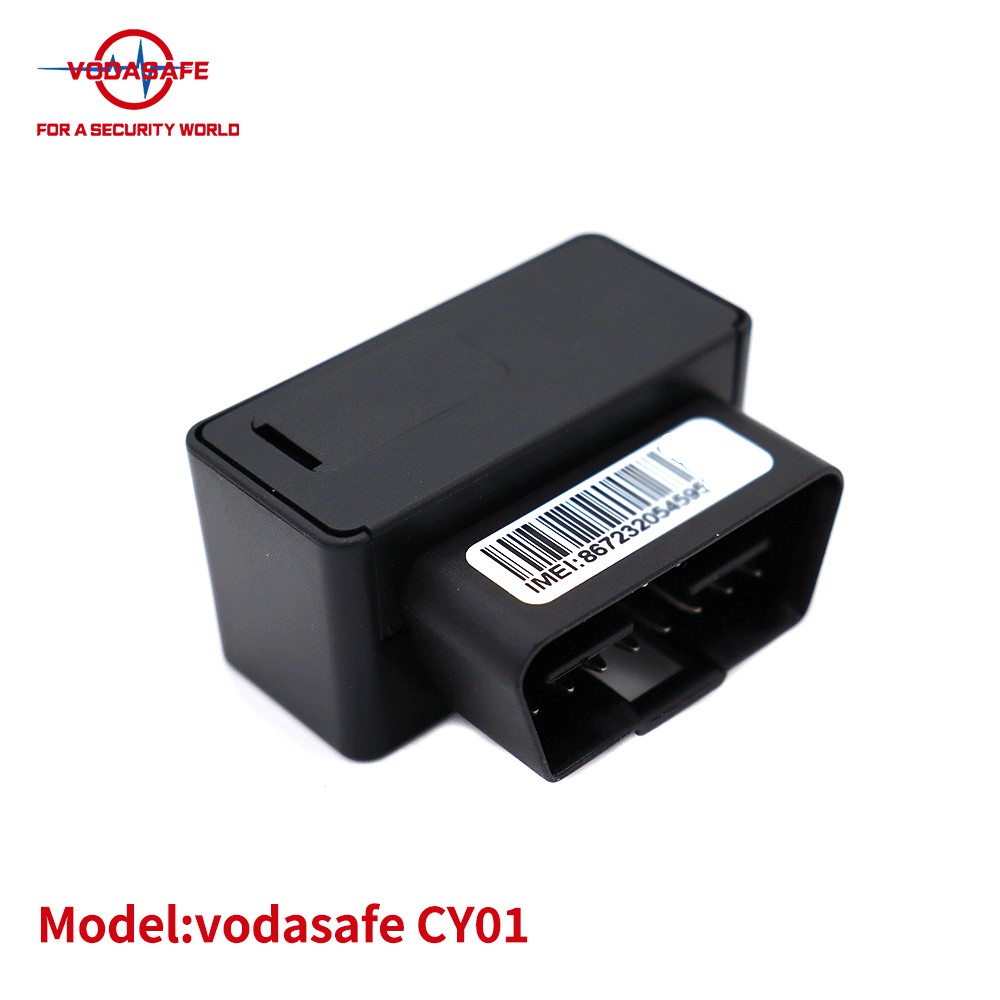
Convenient Installation: Features an OBD port design, which makes installation quick and easy. It can be directly plugged into the vehicle's OBD interface.
Ignition Status Detection: Capable of detecting the ignition status of the vehicle, providing valuable information about the vehicle's usage.
Power Removal Alarm (Optional): If the device has a built - in battery, it will trigger an alarm when the power is disconnected from the OBD interface, helping to prevent theft or unauthorized disconnection.
Specifications
| Network | GSM/GPRS |
| Frequency | 850/900/1800/1900 MHz |
| Dimension | 50x38x25 mm |
| OBD Port | Supports 16 - pin standard OBDII port |
| Locate Mode | GPS + LBS + AGPS |
| GPS Chipset | MTK high - sensitivity chip |
| Working Voltage | 9 - 36 VDC |
| Working Temperature | - 20°C to + 70°C |
| Time To First Fix (Open Sky) | Cold status < 35s, Hot status < 1s |
| Red Light (Power) | Off: No power supply. Constant: Power is connected. |
| Green Light (GSM) | Flash: No GSM signal. Constant: GSM connection is established. |
| Blue Light (GPS) | Flash: No GPS signal. Constant: GPS connection is established. |
Use your phone to send SMS commands to the device's number. It is essential to send the commands in the correct format, as any incorrect format may lead to setup failure. If the settings are successful, the device will reply "OK".
2.Key Commands
Set Center Number: Only the center number can operate the device and receive SMS/call alarms from it.
Set command: CENTER,A,[phone number]# (no country code needed)
Example: CENTER,A,13688888888#
Cancel command: CENTER,D#
Query SMS Tracking: Call the device's number or send the SMS command: WHERE#. The device will reply with a SMS containing a Google location link. Note that the device will upload a new location when the car is moving, and only show the last location when the car is parked.
Voice Listening: After setting the monitor mode, you can use the center number to call the device's number, and the device will answer for you to listen to the voice.
Open monitor mode: JT,1#
Close monitor mode: JT,0# (After closing, calls to the device will only reply with a Google link.)
Set Device Timezone:
Set command: GMT,[direction],[timezone in hour],[timezone in minutes]#
Example: For timezone +8, the command is GMT,E,8,00#; for timezone -5.5, the command is GMT,W,5,30#
Set Device Alarm Mode:
Set APP alarm (default): KC,1#
Set APP + SMS alarm: KC,2#
Set APP + SMS + call alarm: KC,3#
Close all alarms: KC,0#
Open Vibrate Alarm: The device goes to sleep mode after being stationary for 3 minutes. In sleep mode, it will send an alarm when it vibrates.
Open command: SENALM,1#
Close command: SENALM,0#
Open Power Removal Alarm (Optional): When the device is disconnected from the OBD interface power, it will send an alarm.
Open command: POWERALM,1#
Close command: POWERALM,0#
Reboot the Device: Command: RESET#
Check Device Parameters: Command: PARAM#. The device will reply with information such as IMEI number, APN, IP, SOS number, timezone, etc.
Restore Factory Settings: If the device cannot be operated due to improper settings, you can restore it to factory settings, but all previous settings will be deleted. Command: FACTORY#
Software Online Tracking
Set APN
APN is used to obtain the Internet access permission of the local carrier. The device has been configured with APN from most major carriers. After installation, it will go online in the platform. If not, you need to set the APN. You can check the carrier on the internet or put the SIM card into a cell phone to find out the APN.
Set command: APN,[APN name],[APN user],[APN password]#
Example: APN,timbr.tim,tim# or APN,internet#
Platform Website
Website:
Mobile Applications
Search "secumoreplus" in the Apple/Google Play Store or scan the QR Code to download the APP for Android/iOS.
Login Account
Use the IMEI number on the device to login.
Default password: 123456 (can be modified after login).
If you need to manage multiple devices, contact your supplier to create an admin account.
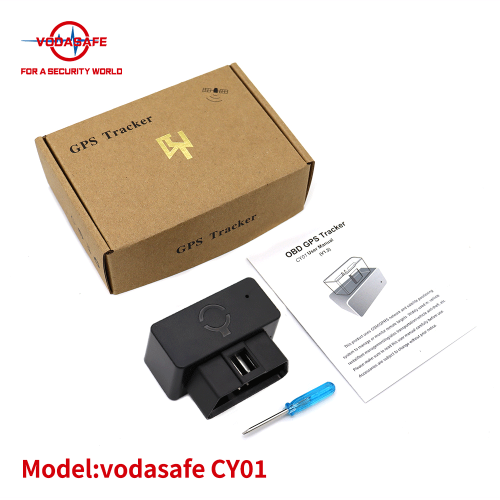
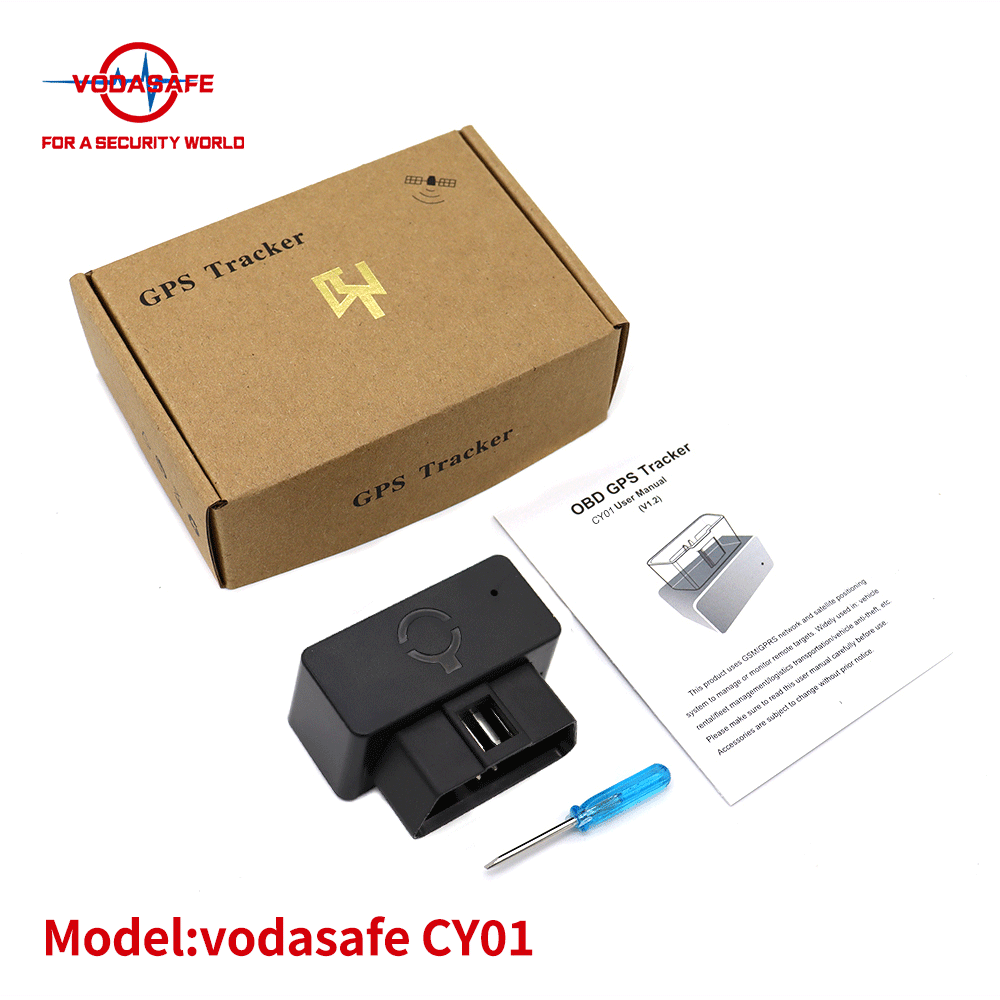
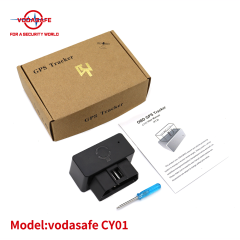
Package Contents
(Note: The accessories are subject to change without prior notice. Please refer to the actual package.)
With its advanced features and reliable performance, the SZ Vodasafe VS - CY01 OBD GPS Tracker provides a comprehensive solution for vehicle tracking and management, ensuring the safety and efficiency of your assets.